

guide
Setting attack and release on a compressor
Attack sets how long the compressor takes to reach full gain reduction after the signal crosses the threshold. Release sets how long it takes to let go once the signal drops back. A fast attack catches transients and softens them; a slow attack lets them through and squeezes what follows. Release should roughly follow the pulse of the track.
What the two controls are actually timing
Neither control is a delay. The compressor starts reacting immediately; attack and release set how fast the gain moves, not when it starts moving.
That matters because it explains the most common confusion: a 30 ms attack does not mean the first 30 ms of a snare passes through untouched. It means the gain reduction is still on its way down during those 30 ms, so the transient gets some of it, increasing over time. The transient is softened rather than preserved.
Worth knowing: manufacturers do not agree on what the numbers mean. Attack is usually specified as the time to reach some percentage of the target reduction - often around 63 % - but the percentage varies, and so does whether the curve is linear or exponential. Two compressors both set to 10 ms can behave visibly differently. Set these by ear, never by copying numbers from another plugin.
Attack: what you let through
Attack decides how much of the front edge of a sound survives.
- Fast (0.1-5 ms) clamps down on the transient itself. On a snare that removes the crack; on a vocal it evens out plosives and mouth noise; on a mix bus it flattens the drums against everything else. Use it when the transient is the problem.
- Slow (20-100 ms) lets the transient through and compresses the body behind it. On a snare that makes it crack harder, because the stick hit passes at full level and the ring afterwards is pulled down underneath it. On a bass it keeps the pick or fret noise while levelling the note.
The counter-intuitive one is worth stating plainly: a slower attack usually makes a drum sound punchier, not softer. Punch is the difference between the transient and what follows it, and a slow attack increases that difference.
If you want the transient genuinely untouched, that is not an attack setting - it is a different tool. A compressor with any attack time is still acting on the front edge to some degree.
Release: the one you can hear going wrong
Release is where compression stops being invisible.
- Too fast and the gain moves so quickly it starts tracking the waveform itself rather than the envelope. On bass and low mids that produces genuine harmonic distortion - the compressor is modulating at audio rate. Sometimes that is a sound you want. Usually it is a mistake you can hear as a buzz or a hardness that was not there before.
- Too slow and the compressor never recovers between events. Gain reduction sits at a constant value, the track loses its dynamics entirely, and quiet passages come back sucked down.
- In between, at roughly the rate of the music, and the compression breathes with the track - which is the pumping people want rather than the pumping they complain about.
Set it against the tempo. A useful starting point is to let the gain reduction meter return to zero just before the next beat arrives. At 120 bpm a beat is 500 ms, so a release somewhere around 200-400 ms will recover in time on most material. Then adjust by ear: shorter makes it more aggressive and more obvious, longer makes it smoother and more level.
Auto release is not cheating
Programme-dependent release - where the compressor uses a fast release for short events and a slower one for sustained passages - was in the hardware long before it was in plugins, and it exists because one fixed time cannot serve both a snare hit and a held vocal note in the same performance.
Use it on material with mixed dynamics: full mixes, busy drum busses, vocals with a big range. Use a fixed time when you want a specific rhythmic behaviour and you want it to stay the same regardless of what the track does.
The detector matters more than the times
Two compressors set identically will still behave differently if their detectors are looking at different things.
- Peak detection responds to instantaneous level, so it catches transients and reacts sharply.
- RMS detection responds to average energy over a window, so it follows perceived loudness and ignores brief spikes.
A sidechain filter changes the picture again: high-passing the detector around 100 Hz stops a kick from ducking the entire mix bus on every beat, and it is often a bigger improvement than any amount of attack and release tuning.
And some compressors drive the detector as well as the signal - which changes how the compressor grabs rather than just how it sounds. That is the idea behind The Stig; if you want the same behaviour reduced to two controls, TK Compressor moves threshold, ratio, attack, release and makeup together on one knob.
A starting point per source
Not settings to copy - places to start listening from:
- Kick and snare - attack 10-30 ms, release 100-200 ms. Slow enough to keep the hit, fast enough to recover before the next one.
- Bass - attack 10-30 ms, release 100-300 ms. Watch for distortion from a release that is too fast.
- Vocal - attack 5-15 ms, release 100-300 ms or auto. Two gentle stages often beat one heavy one.
- Mix bus - attack 30 ms or slower, release auto or tempo-matched, 1-2 dB of reduction. Any more and you are mixing into the compressor rather than gluing with it.
Common questions
Should attack be fast or slow on drums?
Slow, in most cases - 10 to 30 ms. A slow attack lets the stick hit through at full level and compresses the ring behind it, which increases the difference between the two and makes the drum sound punchier. A fast attack removes the crack.
Why does my compressor distort the bass?
The release is probably too fast. When the gain moves at a rate comparable to the waveform itself, the compressor modulates the signal at audio frequency and produces real harmonic distortion. Lengthen the release, or switch the detector to RMS.
What release time should I use?
Start by matching the tempo: let the gain reduction return to zero just before the next beat. At 120 bpm that is roughly 200-400 ms. Then move it by ear - shorter for aggression, longer for smoothness.
Is auto release better than setting it manually?
It is better on material with mixed dynamics, because no single fixed time suits both a transient and a sustained passage. A fixed time is better when you want a consistent rhythmic character that does not change with the material.
Tools for this
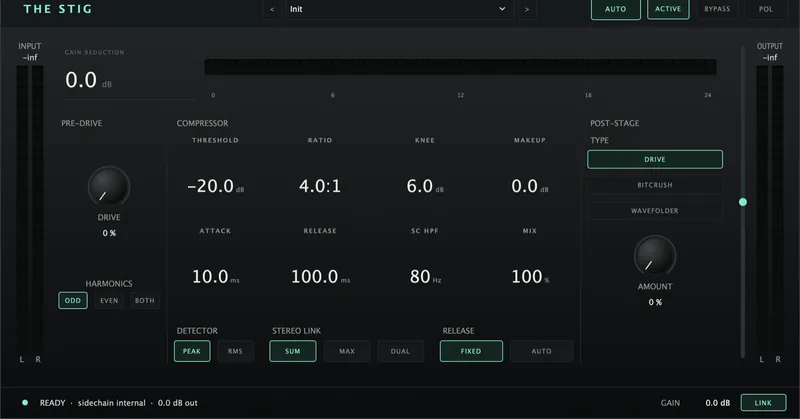
The Stig Compressor
£29A compressor that saturates hard and distorts harder. The drive hits the detector, not just the tone - so it changes how it grabs, not only how it sounds.
View plugin →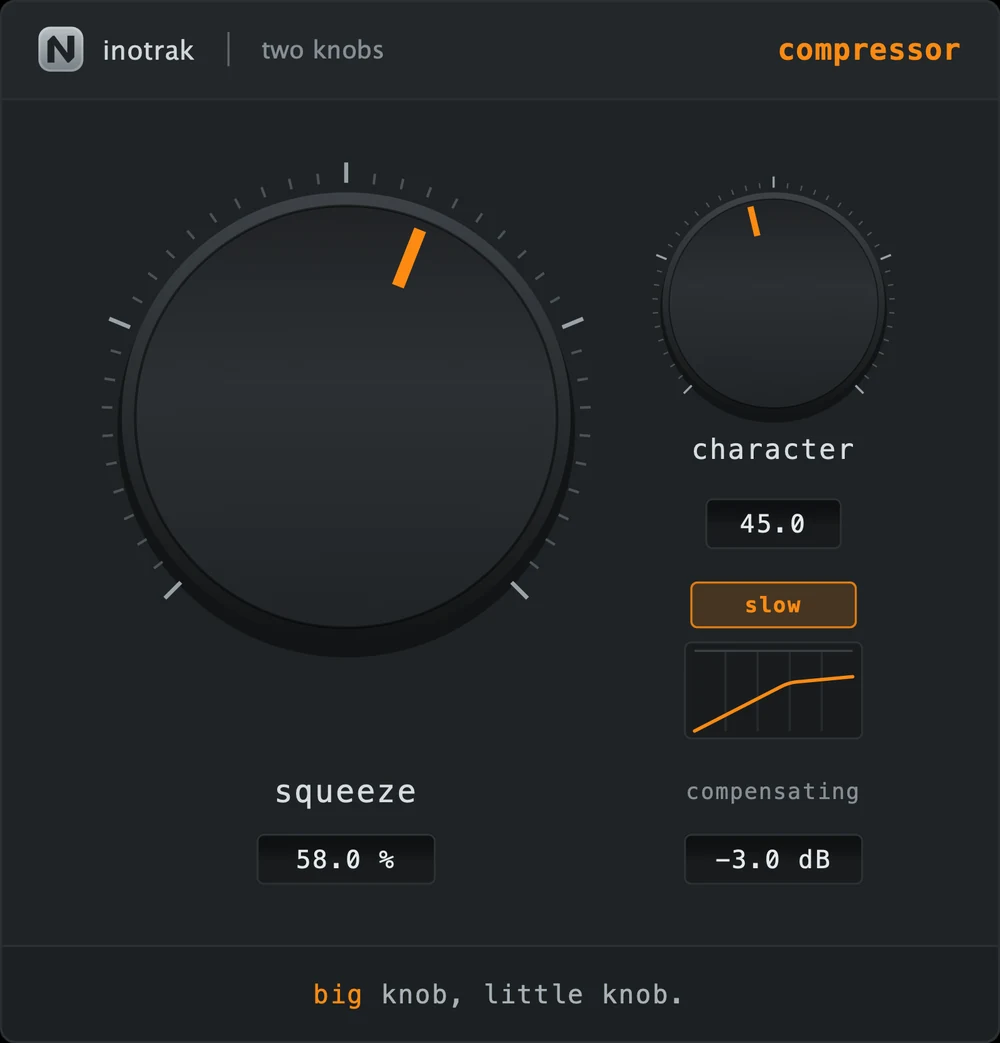
TK Compressor
£19Squeeze moves threshold, ratio, attack, release and makeup together. Character drives the detector, not the output - so it changes how the compressor grabs, not just how it sounds.
View plugin →