

guide
How to de-ess a vocal
A de-esser is a compressor that only listens to the sibilant band. Find where the ess lives - usually 5-8 kHz on a lower voice, 6-10 kHz on a higher one - set the threshold so the meter moves on the esses and not on the vowels, and reduce by 3-6 dB. If the vocal starts to lisp, you are taking too much or working too low.
Find the frequency before you touch the threshold
Sibilance is not a fixed frequency. It sits roughly between 5 kHz and 10 kHz, and where exactly depends on the singer, the microphone and how close they were to it. A bright condenser at four inches will put the problem higher and louder than a dynamic at a foot.
The quickest way to find it: solo the de-esser's detection band, sweep it while the vocal plays, and listen for where the esses jump out hardest relative to everything else. You are not listening for the loudest part of the signal - that will be the vowels, several octaves down. You are listening for the point where an ess stops sounding like an s and starts sounding like a kettle.
Set the band there, then narrow it until it stops catching the consonants either side. T, ch and sh all live nearby and all carry intelligibility; a band wide enough to flatten them makes a singer sound like they have a cold.
Set the threshold on the esses, not the vowels
This is where most de-essing goes wrong. A de-esser with an absolute threshold fires whenever the band crosses a fixed level - so it fires on a loud vowel too, because a belted note has plenty of energy at 7 kHz. You end up ducking the top off the whole performance and calling it de-essing.
What you want is a detector that compares the sibilant band to the rest of the signal and fires on the ratio, not the level. An ess is distinctive because it is mostly high frequency and almost nothing else; a vowel is not, however loud it gets. A relative detector can tell those apart. An absolute one cannot.
If your de-esser only offers an absolute threshold, the workaround is to automate it - ride the threshold up through loud sections. It works, and it is an hour of your life per vocal.
How much to take, and how to tell when it is too much
3 to 6 dB on the loudest esses is a normal amount. Ten is a lot and usually means the problem is upstream - a mic choice, a pop filter that is not there, or an EQ boost you put in earlier.
The failure you are listening for is the lisp: the singer starts sounding like they cannot say the letter s. That happens for two reasons, and they need different fixes. If the band is too low, you are removing the part of the ess that makes it legible - move up. If the reduction is too deep, the ess is still the right shape but no longer present - back off and accept a couple of audible esses, which nobody has ever complained about.
A de-esser that replaces the band rather than notching it out entirely is far harder to make lisp, because the consonant is still there at a lower level rather than gone.
Where it goes in the chain
Before compression, in most cases. A compressor reacting to an untamed ess will duck the whole vocal every time the singer hits one, which reads as pumping on the words around it. Take the peak off first and the compressor behaves.
Before any saturation or distortion, always. Saturation generates new high-frequency content out of what you feed it, so a loud ess going into a saturator comes out as a louder, wider ess. De-essing afterwards means fighting something you just made.
The exception is a second, gentler de-esser at the end of the chain, after a bright EQ or an exciter, catching what those added. Two shallow passes in different places almost always sound better than one deep one.
Stacked vocals are a different problem
De-ess twelve backing vocals individually and you will still have a lisping stack. Each one is de-essed to a sensible level on its own, but the esses land at the same moment and add up, so the group is over-sibilant while every member of it is correct.
De-essing the bus instead fixes the sum but flattens the quietest parts along with the loudest. The better answer is to set the reduction for the group and let each track take its share of it - which is what Tyson Group, included with Tyson De-Esser, is for.
When the problem is not sibilance
Harshness and sibilance get treated as the same thing and are not. Sibilance is consonant-shaped: it happens on s, z, sh and t, and nowhere else. Harshness is on every loud note and usually lives lower, between 2 kHz and 4 kHz.
If the thing bothering you happens on vowels, a de-esser is the wrong tool and will make the vocal dull without fixing it. That is a job for a dynamic EQ - one band, around 3 kHz, acting only when the singer pushes.
Common questions
What frequency is sibilance?
Between about 5 kHz and 10 kHz. Lower voices tend to sit at the bottom of that range, higher voices at the top, but it varies with the microphone and the distance as much as with the singer. Sweep a narrow band to find it rather than assuming a number.
Should I de-ess before or after compression?
Before, in most cases. An untamed ess will trigger the compressor and duck the whole vocal, so taking the peak off first makes the compressor behave. Always de-ess before saturation, which creates new high frequencies from whatever you feed it.
Why does my vocal lisp after de-essing?
Either the detection band is too low - so you are removing the part of the ess that makes it legible - or the reduction is too deep. Move the band up first. If it still lisps, take less: 3-6 dB on the loudest esses is usually enough.
Can you de-ess a whole mix?
You can, but it is a blunt instrument: a de-esser on the mix bus reacts to hi-hats and cymbals as well as to the vocal. If the mix is sibilant, fix the vocal that is causing it. A mix-bus de-esser is for mastering something you cannot go back into.
Tools for this
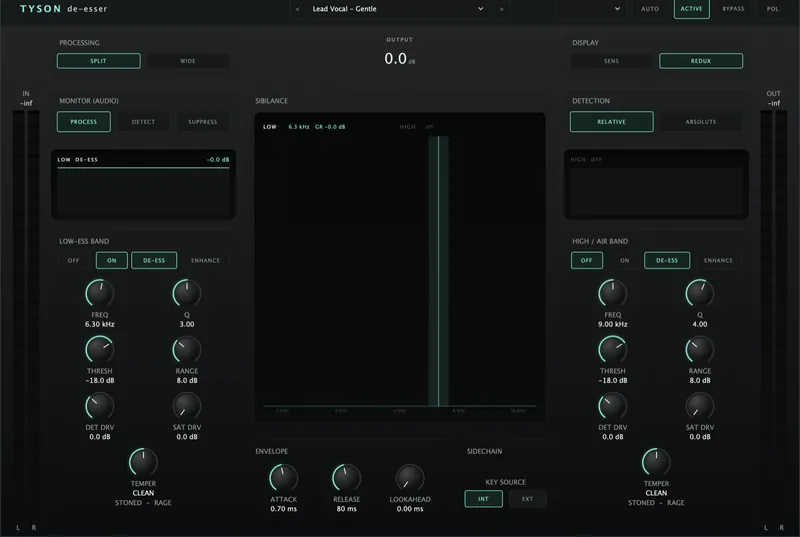
Tyson De-Esser
£29De-esses without the lisp, and runs backwards too - putting an ess back when a vocal has gone soft. Saturation from smooth to savage.
View plugin →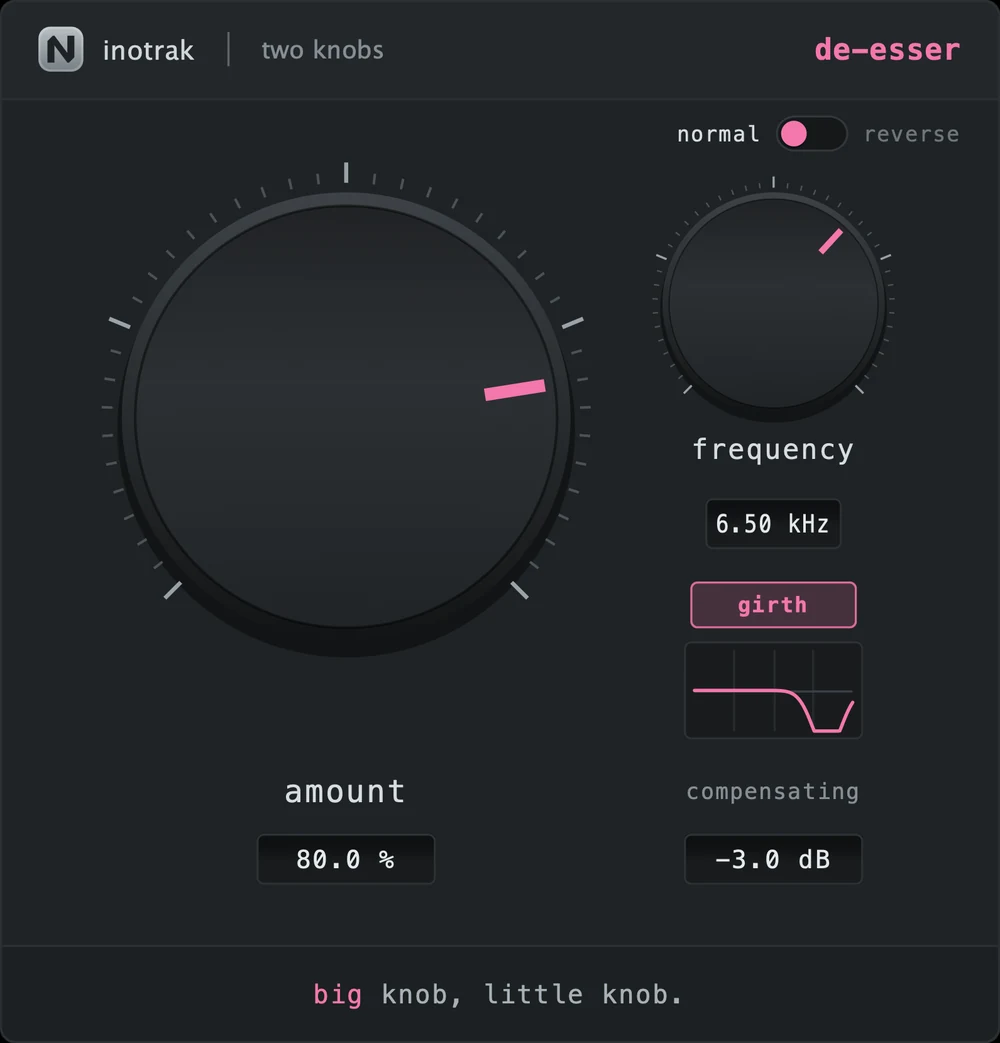
TK De-Esser
£19A relative detector that fires on an ess, not on a loud vowel, over a band that is replaced rather than notched. Reverse mode puts sibilance back into a whispered or over-de-essed take.
View plugin →