

guide
What a console channel strip actually does
A console channel strip is the preamp, EQ and filters from one channel of a mixing desk, in one plugin. What makes it sound like a desk is not the EQ curve but everything around it: harmonic distortion from the input stage, a band layout you cannot move, and the way the whole thing changes as you push it harder.
The preamp is most of the sound
Reach for a strip and the temptation is to go straight to the EQ. The input stage is doing more.
Every desk puts a gain stage at the top of the channel, and on a transformer coupled design that stage is not clean. It adds harmonics, and it adds them unevenly: a single-ended stage leans even - second, fourth - which reads as weight and thickness, while a push-pull stage leans odd, which reads as edge and grit. That is the difference you hear between two desks long before anyone touches a tone control.
Transformers also saturate at the bottom first. Core saturation is level-dependent and frequency-dependent, and low frequencies carry the most energy, so the first thing to thicken as you drive a transformer-coupled input is the bass. That is why pushing the input on a heavy strip makes a kick feel solid rather than making the whole track fuzzy.
The practical consequence: input gain is a tone control. Set it for the sound, not for a meter reading, and use the output to put the level back where you found it.
The EQ is fixed, and that is the point
A strip's EQ usually gives you a handful of switched frequencies per band and nothing in between. After years of surgical digital EQ that feels like a limitation, and it changes how you work in a useful way.
You stop hunting. With four frequencies to choose from, you pick the nearest one and move the gain - which is a decision about the sound rather than a search through the spectrum. The bands are also broad by design, so a boost lifts a region rather than a sliver, and regions are what music is made of.
Some strips also tie Q to gain: a small boost is wide and gentle, and the curve narrows as you push it. That single behaviour is most of why a desk EQ can be shoved around without sounding processed - small moves stay musical, and the EQ only gets surgical when you ask it to.
Headroom decides how it behaves
Two strips with the same EQ curve can feel completely different because they run out of room at different points.
A design with enormous headroom takes a large boost and stays composed - the boost is just louder, and the transients stay intact. A design with less headroom starts to compress and distort as you push into it, so a boost also thickens and flattens. Neither is better. The first is what you want on a lead vocal that needs to stay open; the second is what you want on a snare that needs attitude.
This is also why a strip rewards gain staging. Feed it something 15 dB hotter than it expects and you are not hearing the design any more, you are hearing its ceiling - see the gain staging guide.
The character is cumulative
The single most common mistake with console emulations is using one, on a bus, looking for "the sound".
That is not how a desk worked. Every channel went through a strip, so the character was applied forty times in small amounts and accumulated. Each individual channel was barely touched; the sum was the record.
So: a little on everything beats a lot on the mix bus. If you can clearly hear what the strip is doing on a single channel in isolation, it is probably too much - and thirty channels of too much is a mess rather than a sound.
Picking one
The four strips in this range are deliberately different animals rather than four flavours of the same thing:
- Melbourn is the heavy one. Transformers that make lows sit still, and LF saturation that puts punch on the front edge of a kick.
- Stonesfield is the bright one. Solid-state, sweet upper mids, a snap that makes drums crack and vocals cut.
- Jessup is the one that bends when you push it. Hard-knee grab, thick harmonics, an EQ whose Q follows the gain.
- Salford is the big one. Huge, open and silky with enormous headroom, so boosts stay smooth and transients land hard.
Pick by what the source needs, not by which desk you have heard of.
Where a strip is the wrong tool
A strip is a broad instrument. When you need to remove one resonant frequency, or cut something that only misbehaves on loud notes, the fixed bands and broad curves are working against you - that is a job for a parametric or a dynamic EQ.
The honest division of labour: fix problems with a clean EQ, give a track character with a strip. Doing both with the same tool is what makes mixes sound either sterile or muddled.
Common questions
What is the difference between a channel strip and an EQ plugin?
An EQ plugin changes the frequency balance and nothing else. A channel strip adds a gain stage with its own distortion, a fixed EQ designed around a particular desk, and a specific headroom behaviour - so it changes the tone of what passes through it even with the EQ flat.
Should I put a channel strip on every track?
That is how the hardware was used, and it is where the sound comes from - many channels each lightly coloured. It costs more CPU than one instance on a bus, but one instance on a bus does not reproduce the effect, because the character is cumulative rather than global.
Does a console emulation actually sound like the desk?
It reproduces the measurable behaviour - harmonic profile, EQ response, headroom characteristics. What it cannot reproduce is a specific physical unit, since no two channels on a real desk matched each other either. Treat it as a character, not as a forensic copy.
Where should the channel strip go in the chain?
First, in most cases. It stands in for the desk input, so everything after it sees a signal that has already been through the preamp - which is the order the hardware imposed and the reason the rest of the chain behaves the way it does.
Tools for this
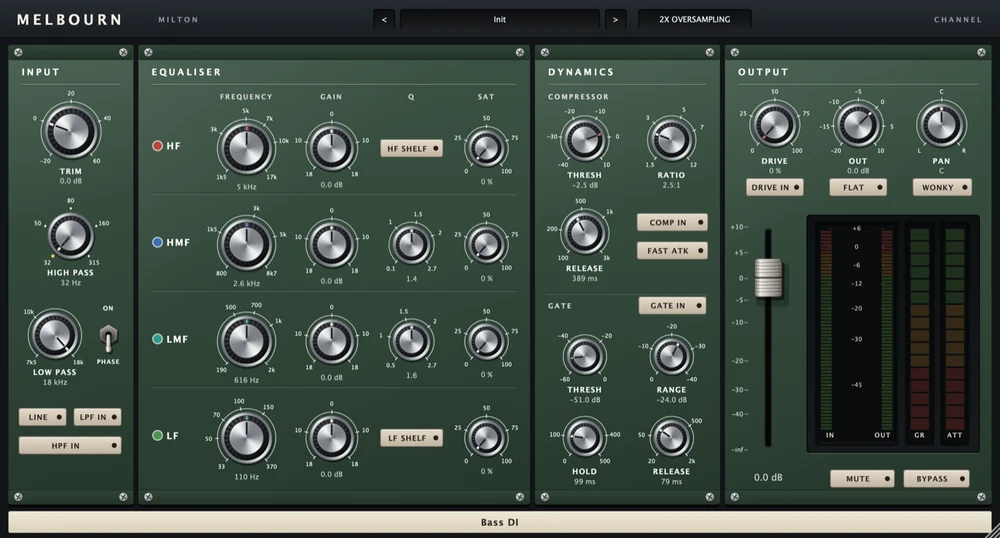
Melbourn Channel
£29The heavy one. A classic console channel strip reimagined in digital format, with transformers that make a bottom end feel solid - lows that sit still in the mix instead of blooming and fading. Push it and it thickens with warm, round even harmonics; add saturation to the LF and every kick picks up punch on its front edge.
View plugin →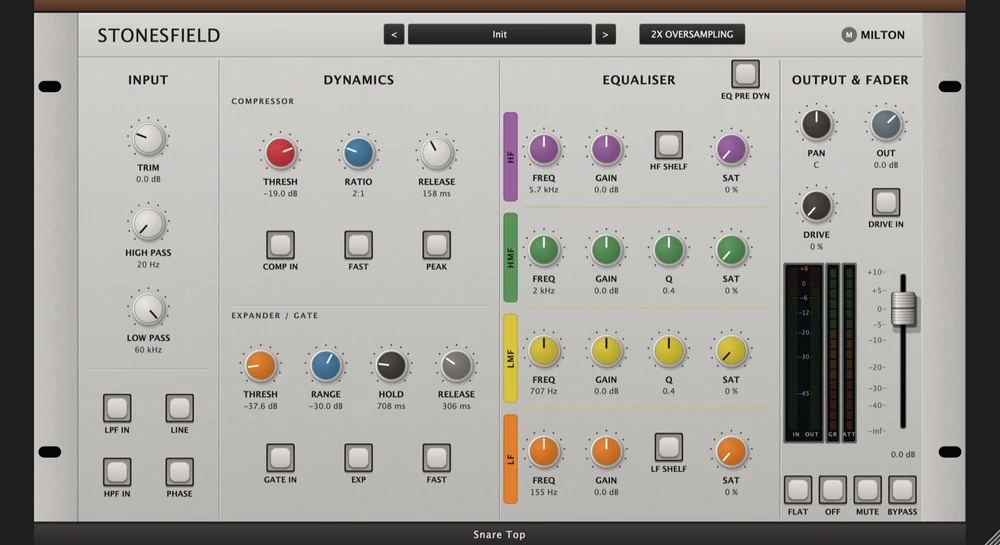
Stonesfield Channel
£29The bright one. A classic solid-state console channel strip reimagined in digital format, with sweet, detailed upper mids and a snap that makes drums crack and vocals cut. Boost the presence and the breath, pick and rattle come up with it. Push it and it bites back with crisp, edgy harmonics - punchy, forward and full of life.
View plugin →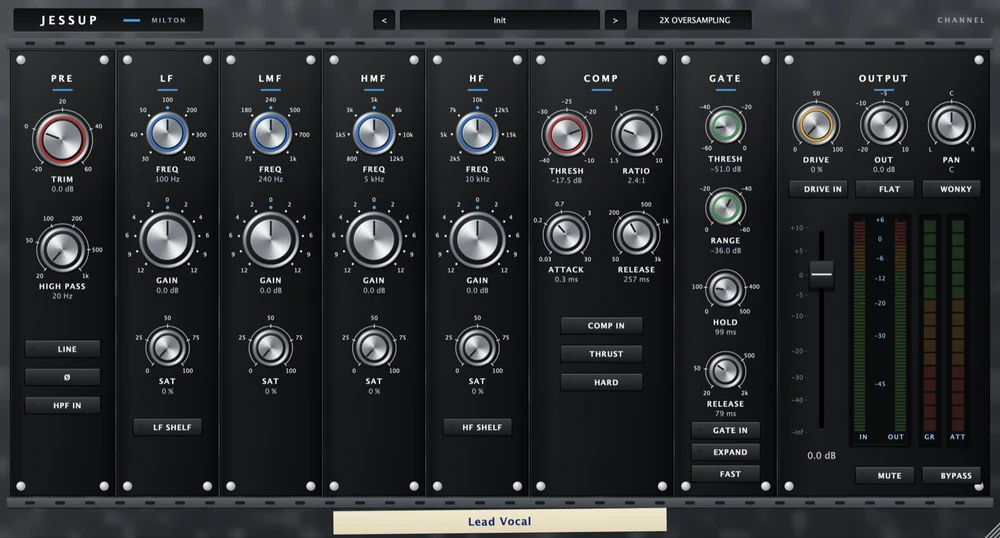
Jessup Channel
£29The one that moves when you push it. A classic console channel strip reimagined in digital format: lean on it and the sound starts to bend, grabs with a hard knee and fills with thick harmonics. An EQ whose Q follows the gain, and THRUST to keep the bass big under compression - drums with attitude, bass that growls, vocals that jump forward.
View plugin →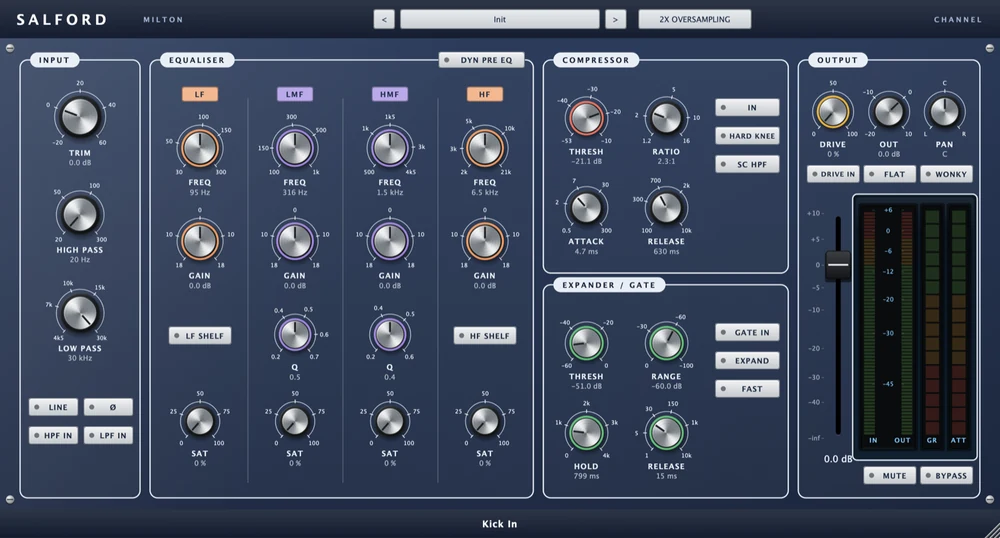
Salford Channel
£29The big one. A classic console channel strip reimagined in digital format, with a huge, open, silky sound and enormous headroom - boosts stay smooth and rich, transients land hard and wide. Switch MIC, bring up DRIVE, and warm even harmonics make it sing. EQ that reaches +/-18 dB per band.
View plugin →